Triggers
Unable to create trigger
Check the error message — the connected account might not have sufficient permissions or the required OAuth scopes. Ensure the user has authenticated with the necessary scopes for the trigger.
Not receiving payloads
- Polling triggers (e.g., Gmail): These check for new events at intervals (~1 min for Gmail). Expect small delays.
- Webhook URL: Ensure your URL is publicly accessible and returns a
2xxstatus code. - Trigger status: Verify the trigger is enabled, not disabled.
- Logs: Check the trigger logs in the dashboard for delivery attempts and errors.
Type errors with trigger payloads
Use getType() / get_type() to inspect the exact payload schema for a trigger type. This shows you the fields and types you should expect.
Reporting issues
When contacting support, include:
-
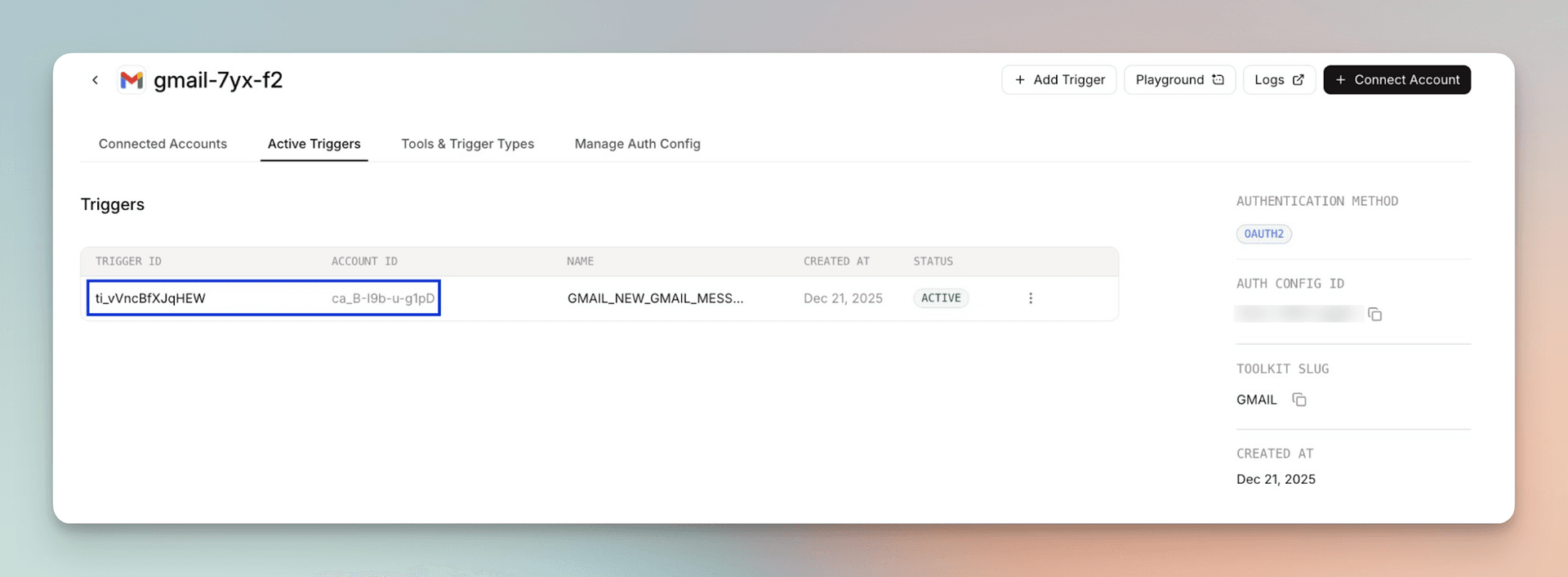
Trigger ID and connected account ID — find these under Active Triggers in the dashboard:
-
Error message and reproduction steps
Getting help
- Email: support@composio.dev
- Discord: #support-form